











Inventory and manufacturing software: the count on the shelf matches the screen.
Inventory and manufacturing software records with a barcode every item that comes into the warehouse, where it sits on the shelf, and when it leaves through a sale or production. At Pirdir, stock shares the same data with the order, warehouse and production modules, so wherever a count difference appears, it leaves a trail.
Who it’s for
Trading and manufacturing businesses with a warehouse, shipping or production
Includes
Inventory, warehouse management, orders, production
Setup
4–6 weeks
Starting price
Setup from €2,900
From three stock counts to one record
An example company with a warehouse, dispatch and a small production line, the quarter before and the quarter after stock, warehouse and production shared the same data.
Critical stock
Running out of cable is noticed when the service team finds an empty shelf.
When stock drops below its critical level, a reorder suggestion arrives based on the last 30 days of sales.
No empty shelvesPicking orders
The picker reads a paper list and walks the same aisle twice.
The pick list follows shelf order, and each bin is confirmed by barcode.
Picked in 3 min 51 sMaterials in production
Wire and sheet used on the line come off stock at the month-end count.
Materials come off stock as finished quantities are entered, with scrap on its own line.
Scrap and stops loggedStock count gaps
The spreadsheet says 24 and the shelf holds 18; nobody knows where the gap came from.
Every movement in and out lands on the same record by barcode, so a gap shows the movement it came from.
Every gap traceableof items showed a gap at the month-end count at the example company; before barcode stock movements it was 9%.
An item’s life in the warehouse
As you scroll, the stock screen processes each movement.
One card for every item
Item, barcode, shelf location, purchase price and supplier all sit on the same card.
Barcode in and out
Barcodes are scanned at goods-in and at dispatch, with a phone camera or a handheld scanner.
Orders reserve stock
When a sales order is entered, the item is reserved for that customer, so the same item is never promised to two customers.
Production uses up materials
A production order takes the materials in the bill of materials out of stock and records scrap separately.
Alerts at the reorder level
When an item drops below the level you set, a purchase suggestion is prepared.
Programs in inventory, warehouse and production
Each one is a separate module. You start with the one you need, and the rest can be added to the same core later.
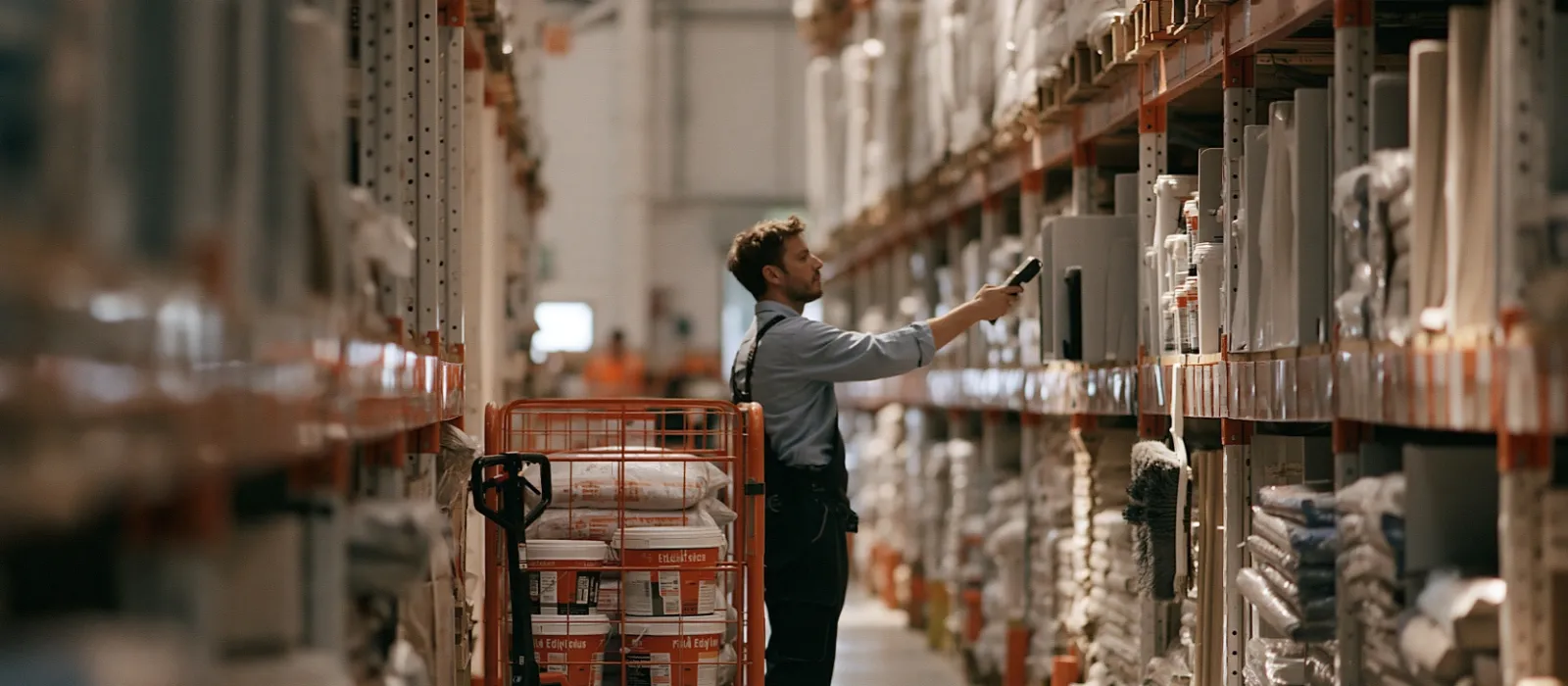
10:02 · Aisle A
Ryan picks the five lines of S-3381 in shelf order; each bin is confirmed by barcode and the stock comes off at once.
How it’s set up for your industry
The modules stay the same; the fields, statuses and reports change with your business.
Let’s trace where the count goes wrong.
On the call we talk about how many items and warehouses you have and how you use barcodes. From there we tell you how long setup will take.
Inventory and manufacturing software: common questions
Ask anything not covered here on the call, and we’ll send the answer in writing too.
What’s the difference between inventory management software and a warehouse management system?
Inventory management software tells you how much of each item you have. A warehouse management system manages which shelf the item is on and how it is picked and shipped. For businesses with one warehouse and a small range, inventory management is enough.
Do I need to buy a barcode scanner?
No, a phone camera reads barcodes. In warehouses that scan hundreds of items a day, a handheld scanner is faster, and the software works with both.
Do marketplace orders come off stock?
Yes, if the marketplace integration is added. An order from Amazon or eBay comes off stock, and when stock changes, the quantity on the marketplace is updated.
How do I bring in my current stock list?
Your spreadsheet is imported. We recommend a stock count before setup, so that opening stock is entered from the count results.
How is the price worked out?
It’s made up of a one-off setup fee and a monthly usage fee per user. Setup starts at €2,900 and includes the core and two modules; each extra module is €650. Usage is €24 per user per month, with a minimum of 5 users. Prices are in euros and exclude VAT; the final price is confirmed in writing after discovery.
Let’s hear about your business in 20 minutes.
The call is free. By the end you’ll know which modules you need, how long setup will take and what it will cost.


On the call you’ll speak with Anıl and Hatice. They are also the ones who build your software.