











Warehouse management system: pickers go straight to the shelf instead of searching.
A warehouse management system knows which shelf every item in the warehouse is on, produces pick lists for orders and records each shipment. Inventory management tells you how much you have; a warehouse management system manages where it is and how it leaves.
Who it’s for
Warehouses with hundreds of products and daily shipments
Where it runs
Handheld scanner, phone and browser
Setup
4–6 weeks
Starting price
Setup from €2,900
Today only one storeman knows where each item is. In Pirdir, every shelf is on a map.
Order
Shelf
Picker
Dispatch
Check
Pick 4 pumps and 10 thermostats
I think the pumps are on the back shelf
6 parcels
An order’s path through the warehouse
As you scroll, the picking route moves forward.
A pick list is produced
When the order is approved, items are listed in shelf order.
The picker goes to the shelf
The handheld scanner shows the next shelf, and the item is checked by barcode.
The list is completed
If a missing or wrong item is scanned, an alert appears.
Dispatch
The delivery note and parcel labels are printed, and if the shipping integration is set up, a tracking number is created.
A Friday at a building materials warehouse
Five moments in a warehouse with 1,400 bins and six pickers, from the morning lorry to the last van out.
07:30
The lorry is unloaded, stock goes to its bin
18 pallets of tile adhesive arrive. Goods-in counts them by barcode, the system suggests empty bins, and the pallets go to A-6a and A-6b.
10:02
The list comes in shelf order
When Ridge Tiling's order S-3381 is approved, five lines appear on Ryan's handheld scanner. He picks from aisle A to D in one loop.
11:20
The wrong tub never gets packed
On another order Sam scans a 5 L tub of primer from the next bin instead of the 10 L one. The scanner warns him and the right tub comes from C-2b.
14:00
A transfer to the second warehouse
Grout is running low at the trade counter warehouse. 60 bags are transferred from the main warehouse, and each site's stock shows separately.
16:30
The last van leaves with its notes
All 42 of the day's orders are picked. Delivery notes and parcel labels are printed, and the courier connection creates the tracking numbers.
What a warehouse management system does
Everything below comes ready. Field names, statuses and reports are adjusted to your business during setup.
Shelves and locations
Addresses by aisle, shelf and bin.
Goods-in
Incoming items are counted by barcode and put away on the shelf.
Pick lists
The shortest route in shelf order.
Barcode checks
An alert when the wrong item is scanned.
Dispatch and delivery notes
Parcel labels, delivery notes and courier connections.
Multiple warehouses
Transfers between warehouses and separate stock.
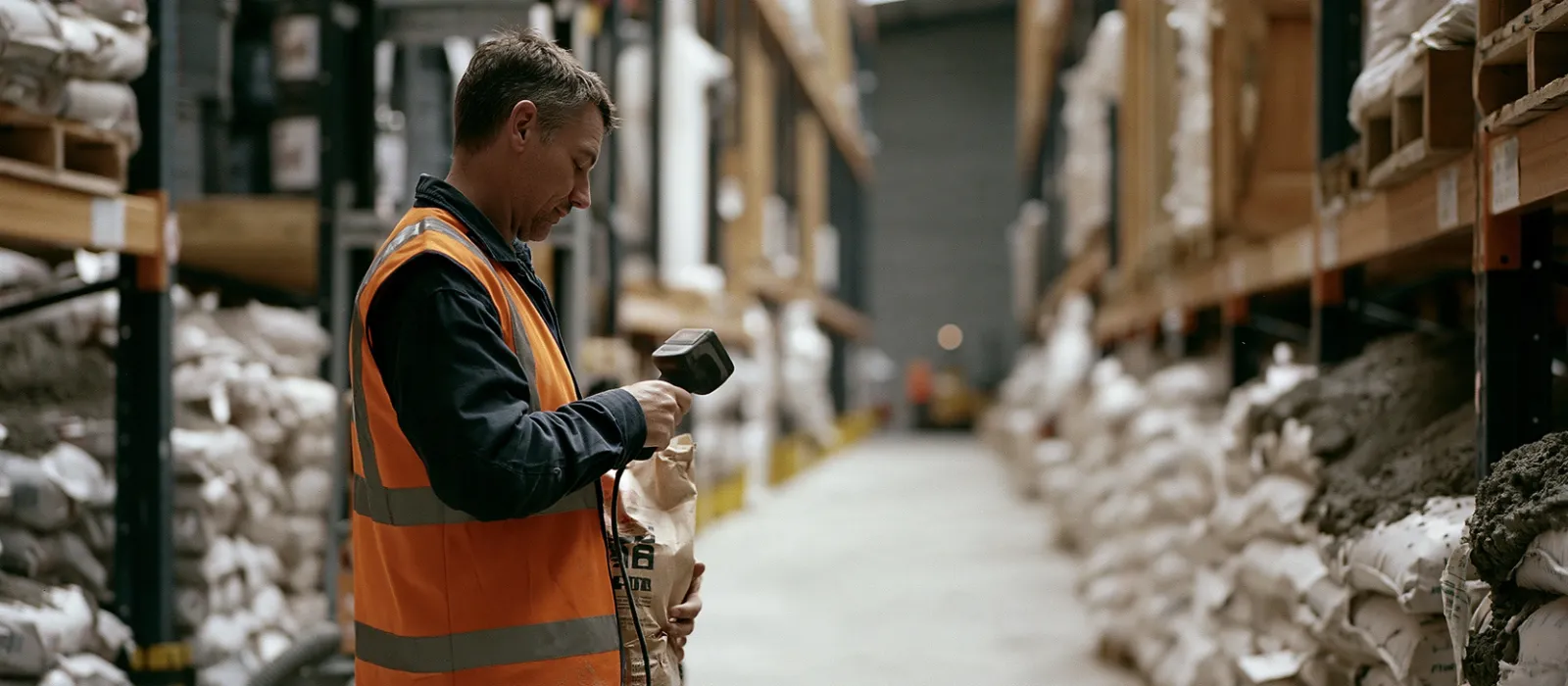
10:02 · Aisle A
Ryan takes the adhesive from bin A-6a shown on his handheld scanner and scans it; the next bin is already on screen.
Who is a warehouse management system for?
It isn’t for everyone. We also spell out when it won’t fit, so nobody wastes time on a call.
A good fit
You may not need it
Example setup: a building materials warehouse with 1,400 bins
These amounts come from our price list. Six pickers use handheld scanners and four office staff work in the browser.
Discovery and layout
Aisles, shelves and bins are taken from the warehouse plan and 1,400 bins get an address.
Labels and put-away
Shelf labels are printed and items are scanned into their bins.
Trial
Two pickers work with handheld scanners for a week; routes and alerts are fixed the same week.
Delivery notes and courier
Parcel labels, delivery notes and the courier connection go live.
Go-live
All pickers move over and the paper pick list is retired.
Building materials distribution · 6 pickers, 4 office staff, 2 warehouses
Amounts in euros, excluding VAT. The company bought its six handheld scanners itself; they were registered during setup.
Slide to see the price
Setup is paid once and includes the core and 2 modules. Usage is billed monthly per user, with a minimum of 5 users. Prices are in euros and exclude VAT; we confirm the final price in writing after discovery.
Set up alongside it
They connect to the same core and share customers, documents and users.
Warehouse management system by industry
The same module is set up with different fields and statuses in each industry.
Let’s win back the minutes spent searching for items.
On the call we talk about your warehouse layout and daily order flow, and we plan the shelf addressing together.
Warehouse management system: common questions
Ask anything not covered here on the call, and we’ll send the answer in writing too.
What’s the difference between a warehouse management system and inventory management software?
Inventory management software tells you how much stock you have. A warehouse management system manages which shelf an item is on and how it is picked and shipped.
Do I need a handheld scanner?
No. It also works with a phone camera. In warehouses that scan hundreds of items a day, a handheld scanner speeds up the work.
Who sets up the shelf addresses?
We do it together during setup, based on your warehouse plan, and the shelf labels are printed from the software.
Can several warehouses be managed?
Yes. Each warehouse is tracked separately, and transfers between warehouses are recorded.
How is the price worked out?
It’s made up of a one-off setup fee and a monthly usage fee per user. Setup starts at €2,900 and includes the core and two modules; each extra module is €650. Usage is €24 per user per month, with a minimum of 5 users. Prices are in euros and exclude VAT; the final price is confirmed in writing after discovery.
Let’s hear about your business in 20 minutes.
The call is free. By the end you’ll know which modules you need, how long setup will take and what it will cost.


On the call you’ll speak with Anıl and Hatice. They are also the ones who build your software.